
Baji Live Registration Bangladesh
Baji Live gives you a fast way to create an account in Bangladesh and start betting in BDT from day one. Our platform is known for Cricket Exchange markets, where you can place exchange bets alongside classic casino games in one profile. Sign Up stays free of charge, the form takes around 2 minutes, and the same account works on mobile and desktop. After registration, you can move between Cricket Exchange and Casino without separate wallets or extra profiles. Enter real details from the start, then your account stays ready for deposits, betting, and payouts under our standard rules.
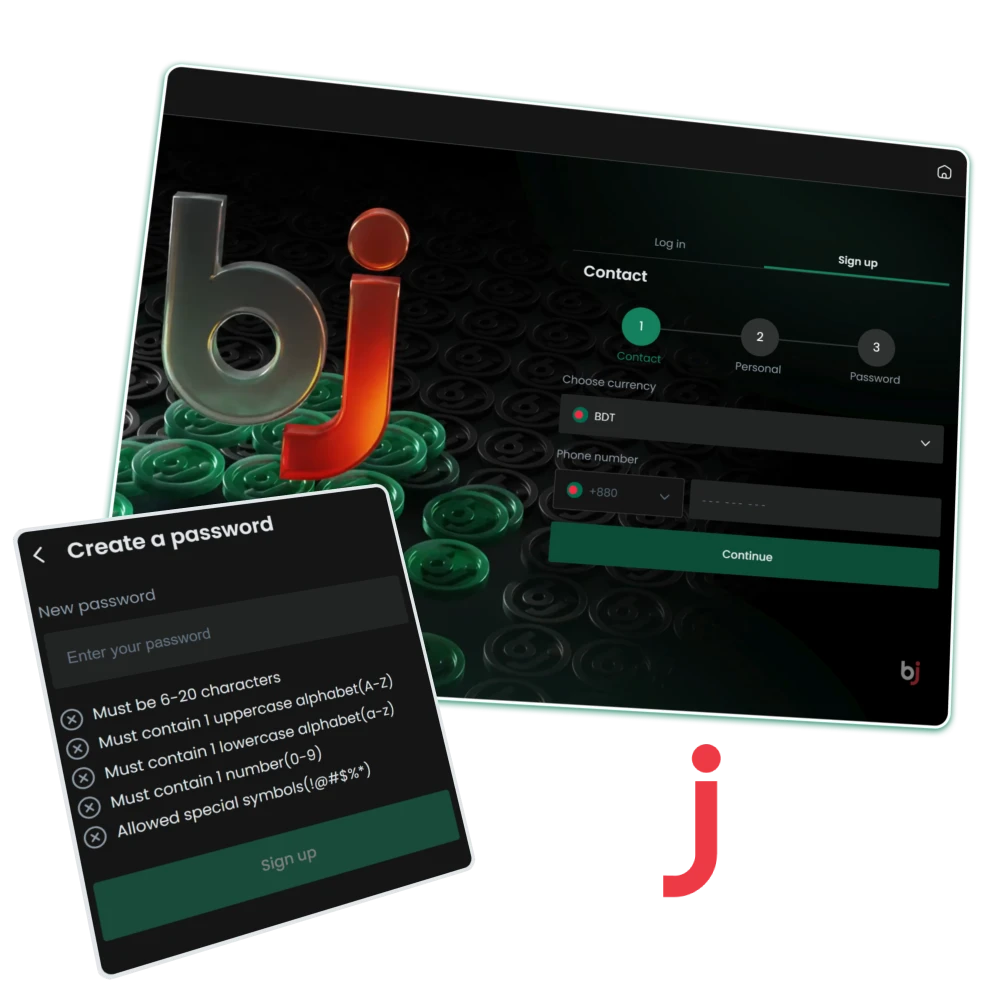
Step-by-Step Guide to Create a Baji Account
Account creation on Baji Live follows a clear structure and usually takes only a few minutes. During registration, only real personal details should be entered. Your full name must match official documents and your bKash wallet, since withdrawals rely on this information. Incorrect or edited data often leads to payout delays, so accuracy at this stage protects future access to funds and account functions.
Open the Official Form
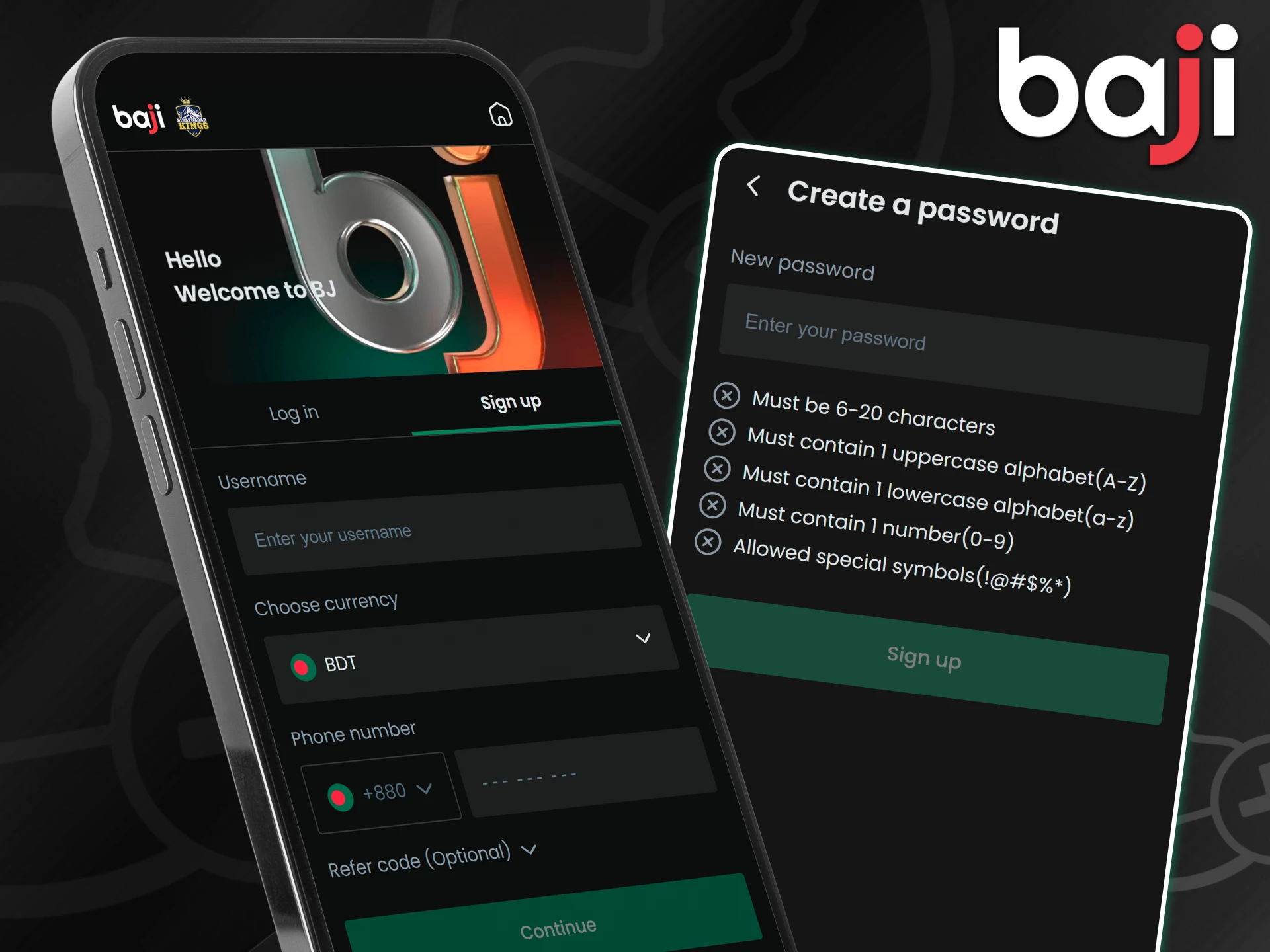
Start by pressing the Sign Up button at the top of the page. The official registration form opens instantly and guides you through each field in order. Always use the main platform link to avoid third-party pages and protect account security from the first step.
Fill in Account Details
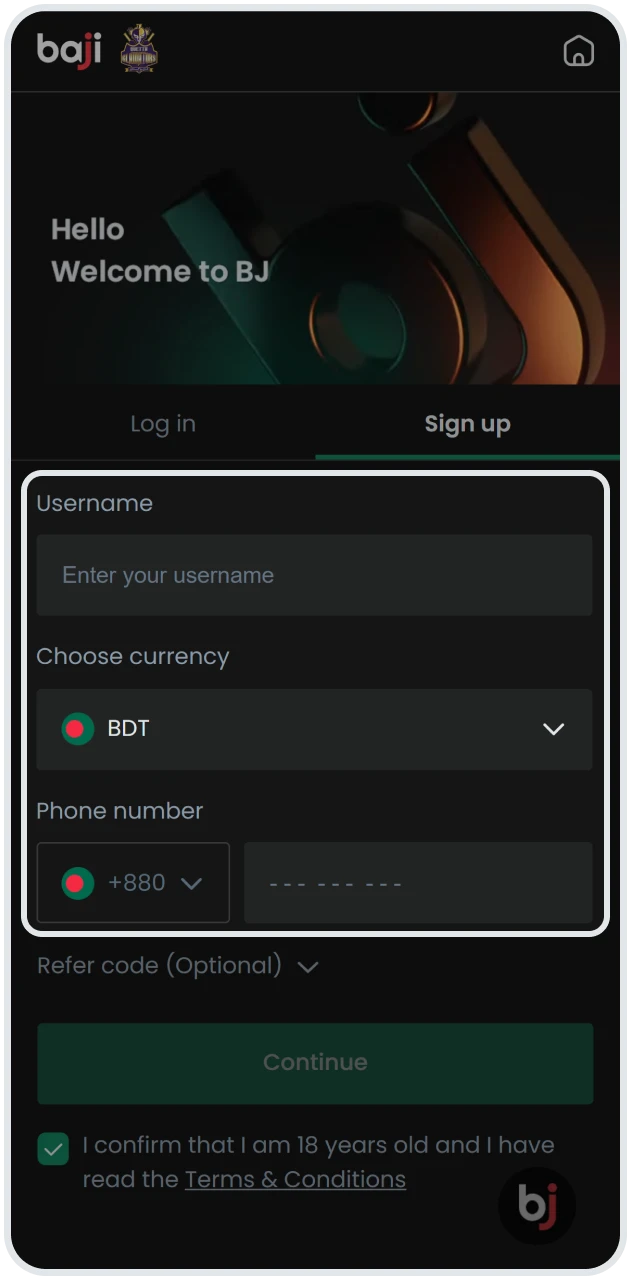
The first part of the form focuses on login credentials.
- Username should be unique and include letters and numbers for easy identification;
- Password must contain at least six characters to meet basic security standards;
- Referral Code remains optional and can be entered if you received one from a friend; this field can stay empty without any limitation.
Personal Information
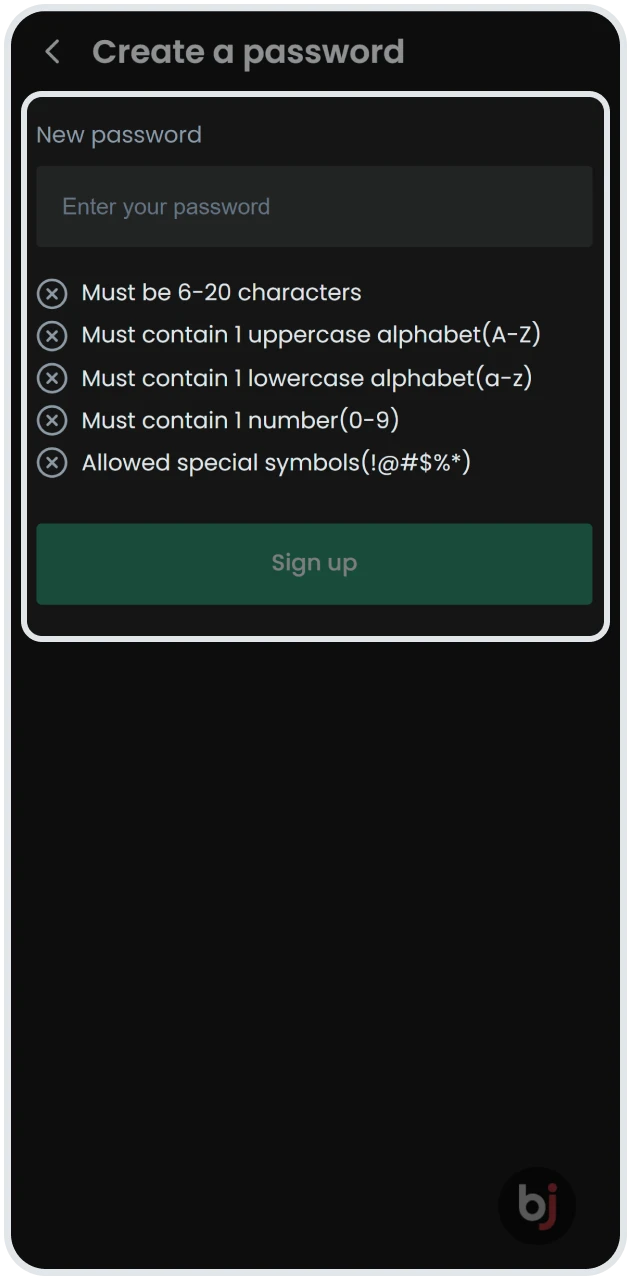
This section defines how your account connects to payments and verification.
- Currency must be set to BDT, as it cannot be changed later;
- Full Name should match your national ID and bKash wallet exactly, without abbreviations;
- Phone Number is entered without the leading 0, since the +880 code applies automatically;
- Email Address should stay active, as it supports password recovery and security notices.
Verification Code
To finish the form, enter the 4-digit verification code shown on the screen. After confirming the captcha, press Confirm to submit your registration details and proceed to account activation.
Registration via the Baji App
Mobile registration through the Baji app follows the same steps as the website, but the layout suits smartphone use and keeps every field within easy reach. The form opens in a single flow, so entering details, confirming BDT currency, and submitting contact data feels quicker on a small screen. Many clients in Bangladesh prefer this option because the app responds faster during verification and login. After registration through the app, future access becomes easier thanks to biometric authorization. Fingerprint or Face ID login removes the need to enter passwords repeatedly and keeps account access protected during daily use, especially when switching between betting and casino sections.
Account Verification (KYC)
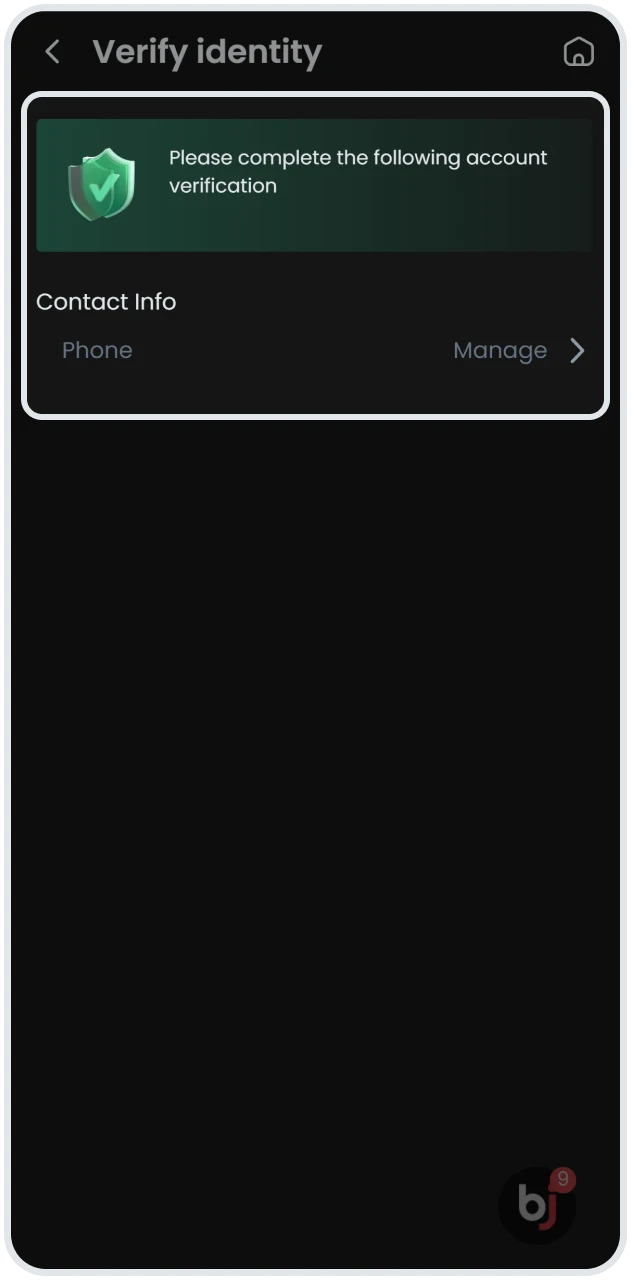
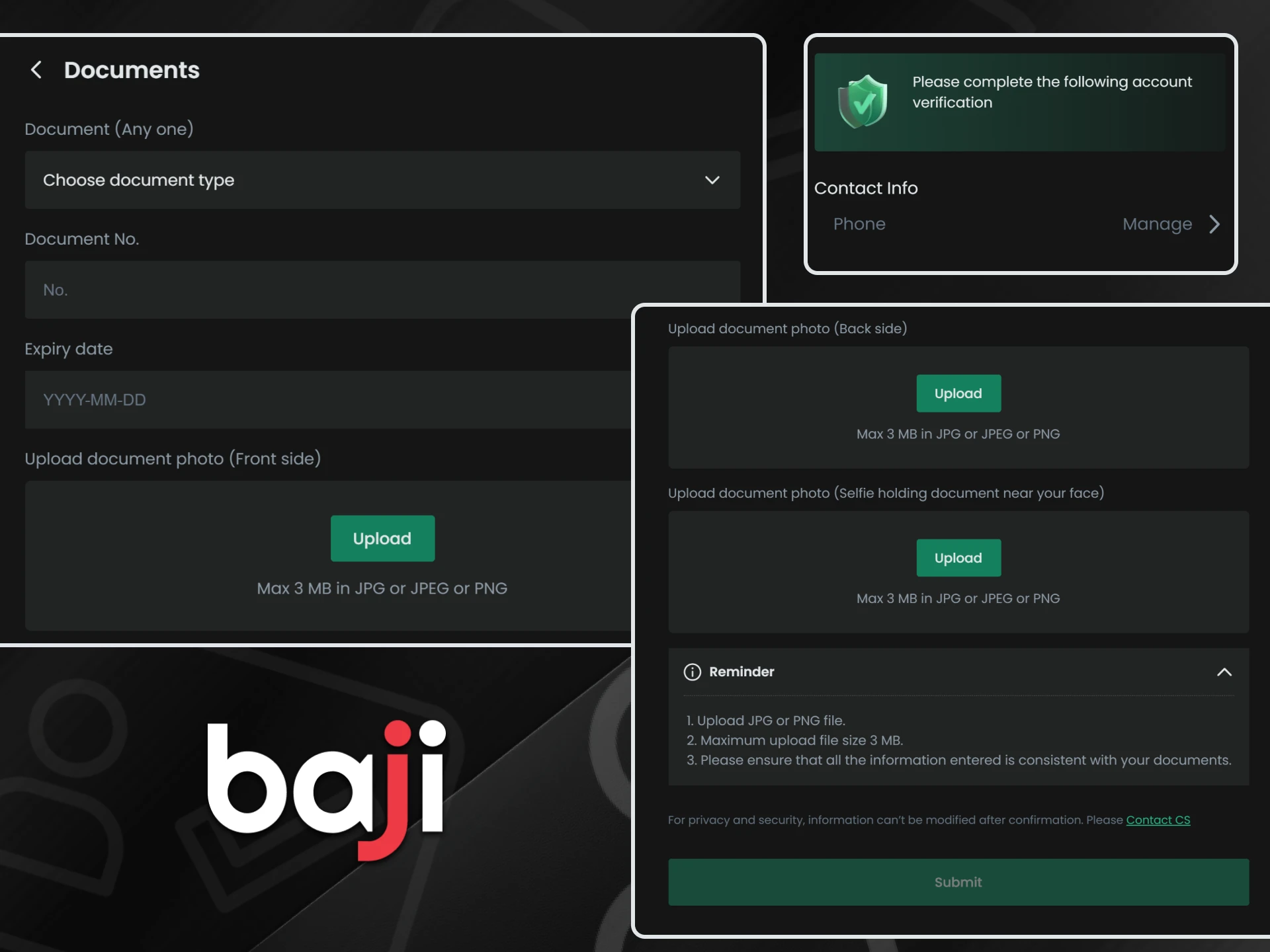
Account verification stands as a mandatory step before any withdrawal request on Baji. Contact confirmation protects balances, blocks unauthorized access, and confirms that personal data matches payment details. Without completed verification, cash-out options remain unavailable, even if deposits and bets already exist. The process runs directly inside the account panel and usually takes only a few minutes when the correct information is provided.
- Phone Verification: Open the Member Center and request an OTP. A one-time code arrives by SMS to the registered number. Enter the code to confirm ownership of the phone line.
- Email Verification: A confirmation message reaches the registered email address. Open the message and follow the confirmation link to activate your email status.
- Birthday Confirmation: Enter your date of birth in the profile section. Access requires age 18 or above, and incorrect dates may lead to limitations later.
Baji Login Guide
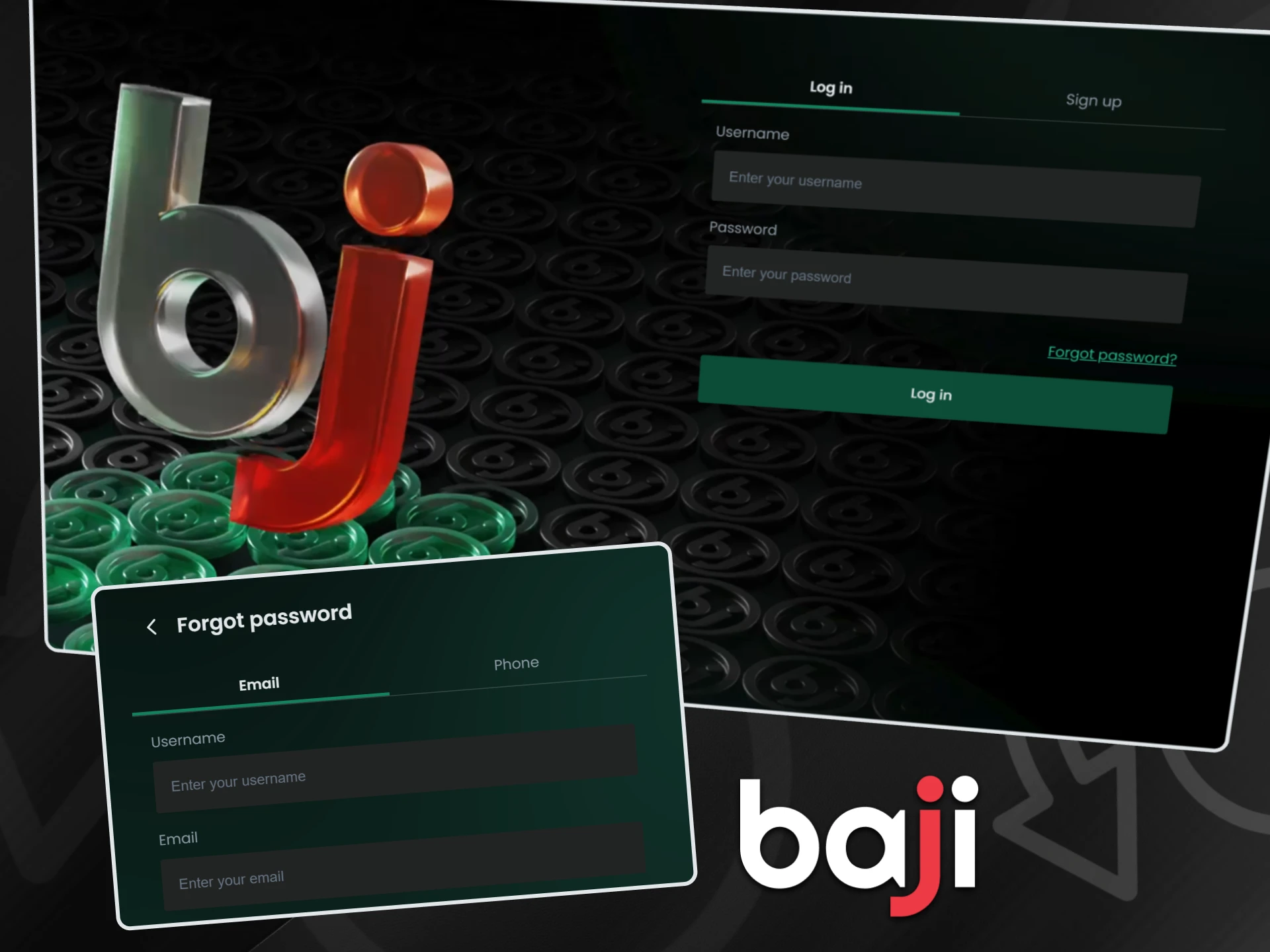
Accessing your account takes only a moment and works the same way on desktop and mobile. The login area stays visible at all times, so you can return to betting or casino play without extra steps.
- Tap the “Login” button on our website or inside the app to open the access form.
- Enter your Username and Password exactly as registered, then confirm to enter your account.
- Use “Forgot Password” if needed, choose email or SMS recovery, follow the instructions, and set a new password to regain access securely.
Requirements for Registration
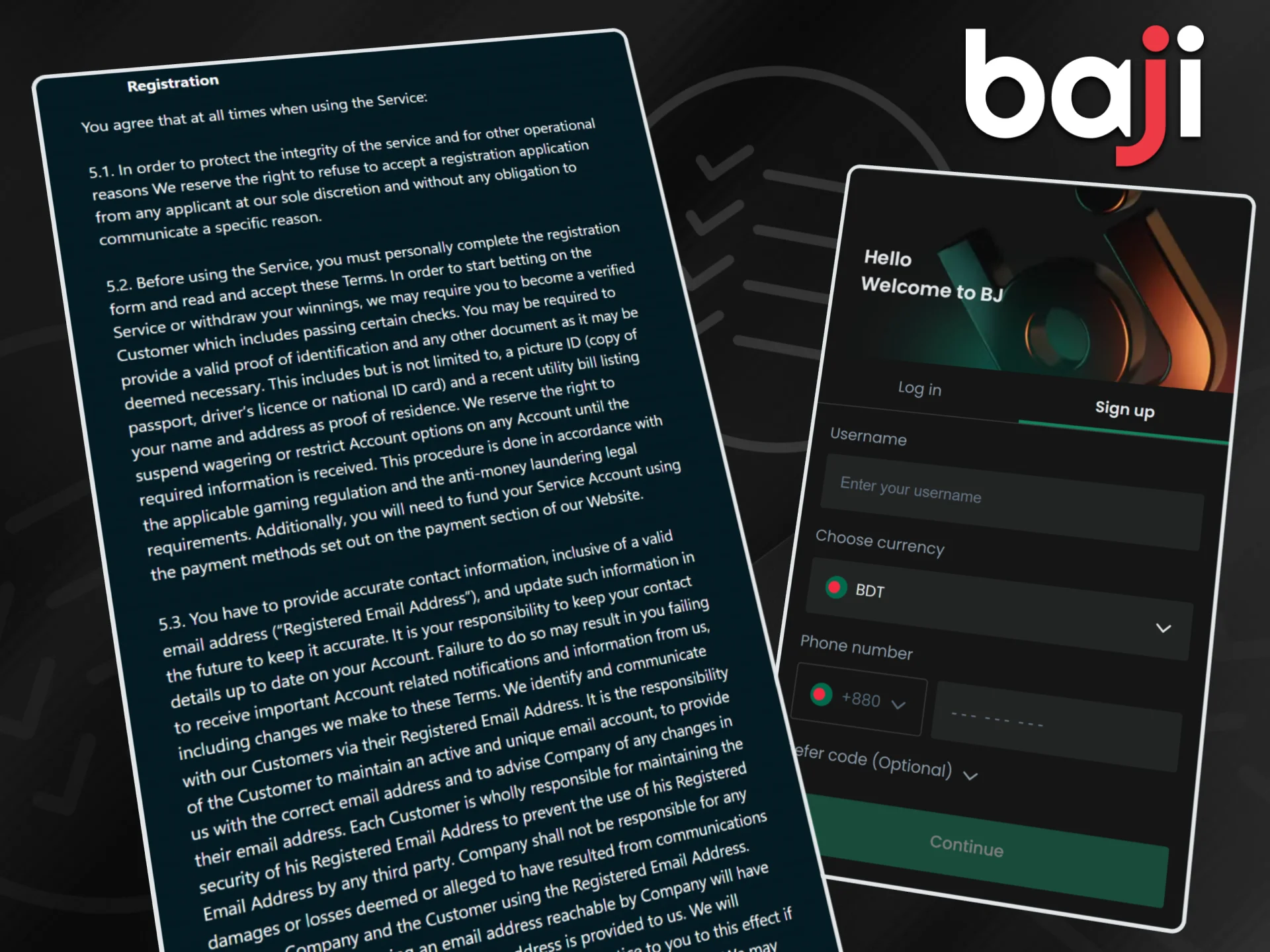
Before creating an account on our platform, it is important to understand the basic legal rules that apply to every customer. These requirements protect account security, payment accuracy, and fair use of our services in Bangladesh. Careful attention to these points helps avoid restrictions later, especially during verification and withdrawals.
- Age Requirement (18+): Registration is permitted only for individuals aged 18 or above. Proof of age may be requested at any stage to confirm compliance with local and international rules.
- One Account Policy: Only one account per person is permitted. Multiple accounts linked to the same individual, IP address, device, or household lead to suspension and possible closure of all related accounts.
- Valid Personal Data: All details must match real identification and payment wallets such as bKash. Incorrect or misleading information places full responsibility on the account holder.
Common Registration Errors
During sign-up, some customers may face small technical issues related to form input or verification. These situations usually have clear causes and quick solutions. Paying attention to the messages shown on screen helps resolve them without delays or account limits.
“Username Already Exists” Error
This message appears when the selected username is already in use by another customer. The system blocks duplicates to protect account identity and security. Add numbers to the username, adjust spelling, or choose a different combination that includes both letters and digits. Once a unique option is entered, the form proceeds normally.

OTP Code Not Received
SMS delivery can sometimes take longer due to network load or signal quality. Wait about two minutes, then press the Resend option inside the form. If the message still does not arrive, double-check that the phone number was entered correctly without the leading zero. Live Chat support can also assist with manual verification.
Incorrect Verification Code
Captcha errors happen when characters are entered incorrectly or the image expires. Refresh the code image, carefully type the new characters, and confirm again to continue registration.
FAQ
Below you can find clear answers to the most common questions about registration on our platform. These points help avoid confusion during sign-up and explain how account settings work after the first login. Reading this section before registration saves time and prevents future limits related to withdrawals or verification.
Is it free to register?
Yes, registration is completely free. Creating an account does not require any payment, and no fees apply at the sign-up stage. You can open an account, explore the interface, and review available markets without adding funds. Deposits become necessary only when you decide to place bets or enter casino games using real balance.
Can I change my currency after registration?
No, account currency is selected only once during registration. After confirmation, the system locks the currency setting to avoid accounting errors. If BDT was chosen incorrectly, contact our support team as soon as possible. In certain cases, account closure and a new registration may become the only solution.
Do I need a passport to register?
A passport is not required for basic registration. You can create an account using your personal details, phone number, and email address. For identity checks before large withdrawals, KYC may request documents such as a National ID or a driving license to confirm ownership and age.
Can I register via Facebook?
Direct registration through the official form is currently recommended. Social media sign-up options may appear later, so keep an eye on updates inside the registration section and announcements from our platform.
Updated:
Comments