
Baji App Download for Android (APK) & iOS Official Bangladesh Version
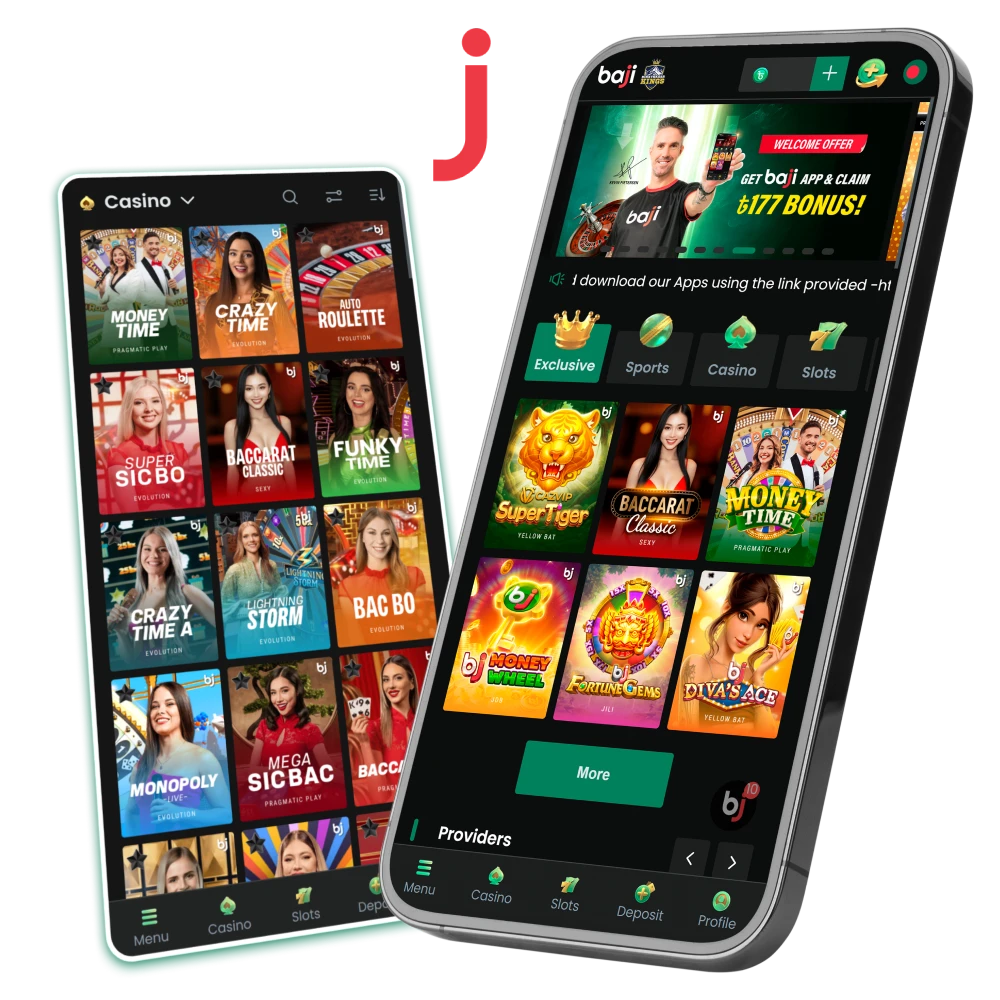
Baji software brings cricket markets and casino sections to your phone with quick access and strong account protection. Our Android build comes as an APK file, so you can install it directly and keep full control of bets, balances, and game sessions in Bangladesh. Menu load time stays short, and live cricket actions respond well during busy match hours. Casino access includes live tables, slots, crash titles, and fishing games in one place, with the same BDT wallet you use on desktop. After installation and a first deposit, you can also claim an exclusive ৳177 app bonus, so mobile play starts with extra value.
What Is the Baji App?
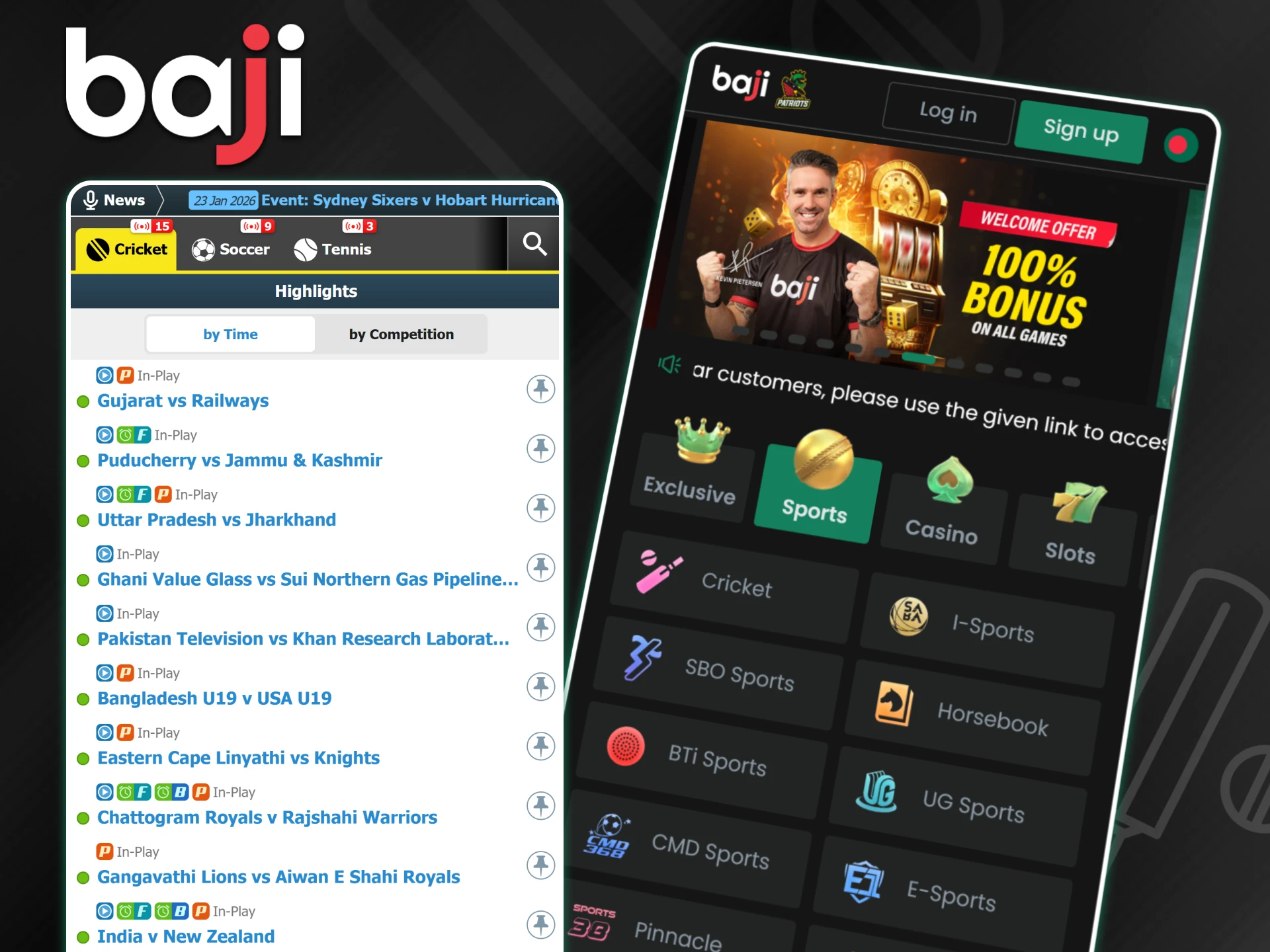
The Baji app serves as the mobile format of our betting and casino platform, created for clients in Bangladesh who prefer access from smartphones. The application mirrors the main website functions, keeps balances in BDT, and supports both English and Bengali interface options. Installation through the Baji APK or iOS web access keeps the software compliant with platform rules while maintaining stable performance for sports betting and casino play.
| Parameter | Details |
| App Version | Latest |
| APK File Size | ~20 MB |
| License | Curacao |
| Supported OS | Android 5.0+ / iOS 11.0+ |
| Language | English / Bengali |
How to Download Baji APK for Android
Android clients in Bangladesh access the mobile application directly from our official website, since Google Play does not publish betting software in this market. Direct distribution keeps control over file integrity and version updates, which helps maintain stable access for sports betting and casino sections. The installation method follows common industry practice and does not expose the device to risk when completed in the correct order.
Download the File
The first action starts from our platform page, where the official installation file is hosted. The Baji app download process takes only a short moment on a standard mobile connection.
- Scroll to the application section and press the Download button.
- If a system notice appears with the message “File might be harmful,” select Download Anyway.
- The file undergoes internal checks before release, so this notice reflects Android policy rather than a real threat.
The download saves the installation file directly to your phone storage.
Enable “Unknown Sources”
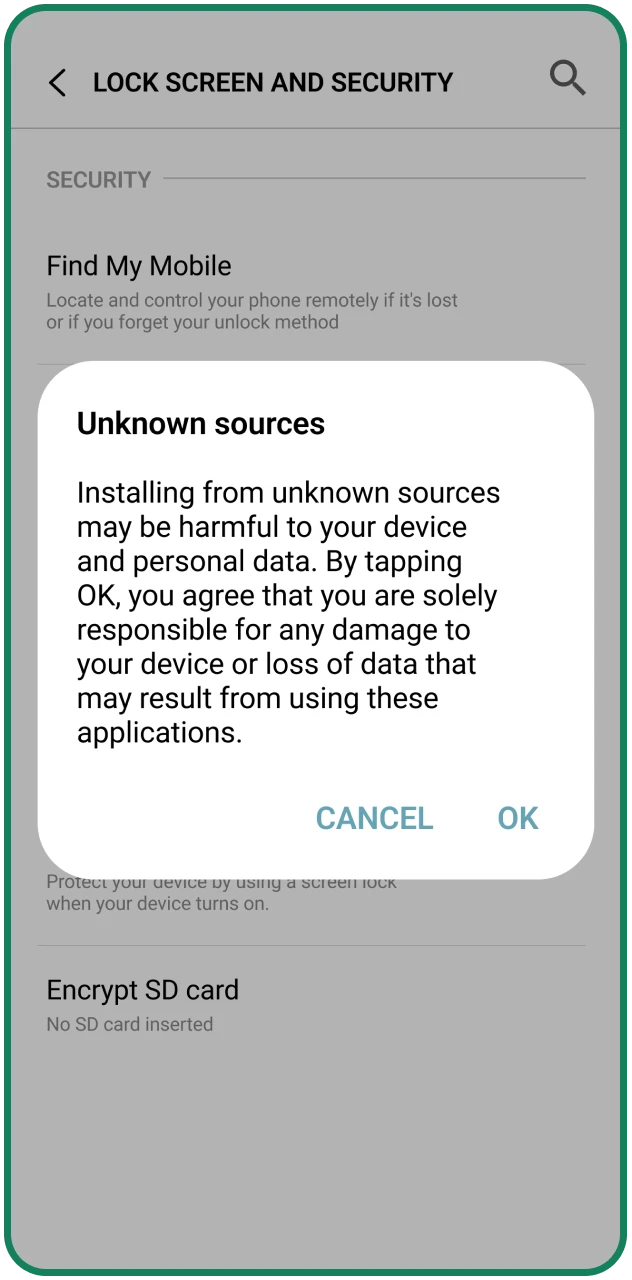
Android blocks software from outside Google Play by default, so one setting change is required before installation. This permission applies only to the selected browser or file manager.
- Open Settings on your device.
- Go to Security or Privacy.
- Select Install unknown apps.
- Choose the browser used for the download, such as Chrome.
- Activate Allow from this source.
This step allows the system to install verified files from our website.
Install and Login
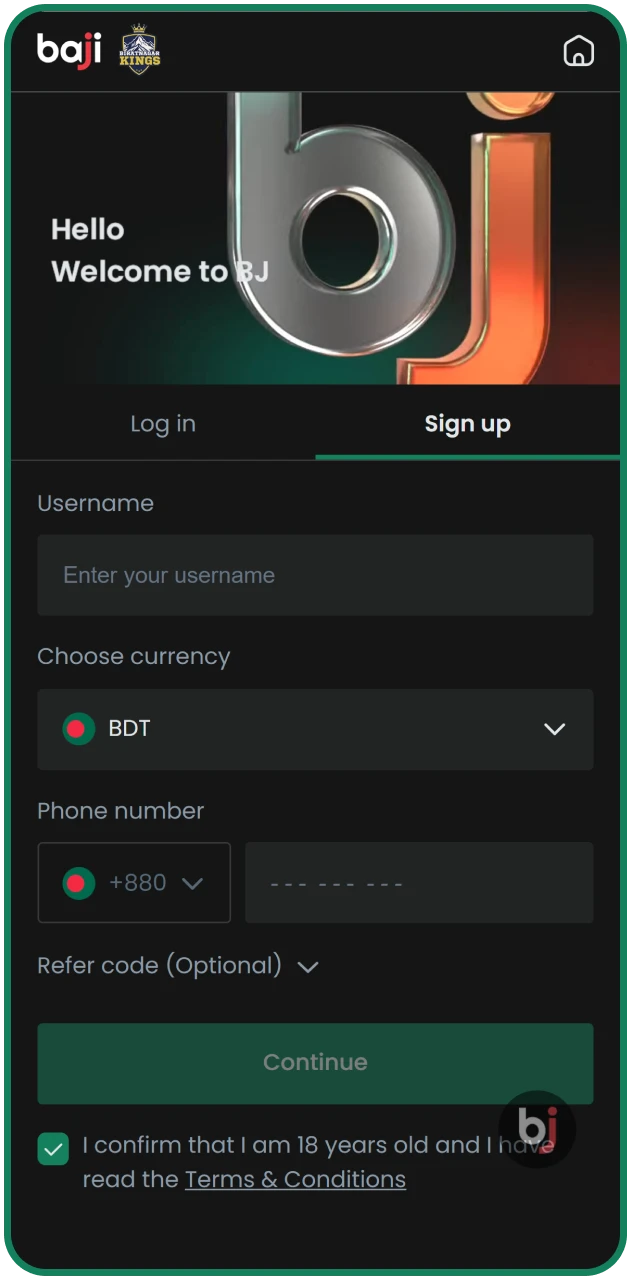
After permission activation, the final stage completes the setup and opens access to your account.
- Locate the downloaded baji.apk file.
- Tap Install and wait for completion.
- Find the app icon on the home screen and open it.
Log in with existing details or complete registration to start using all mobile features.
Download Baji App for iOS (iPhone & iPad)
Apple devices use a Progressive Web App format instead of a traditional App Store installation. This method keeps access stable on iPhone and iPad while respecting Apple distribution rules. The web app opens in its own window, behaves like a native application, and supports sports markets, casino games, payments, and account tools without heavy storage use. Updates apply automatically through the browser, so clients always use the current version without manual downloads.
How to Install on iOS
The setup process takes only a short moment and runs through Safari, which Apple requires for web-based applications.
Open Website
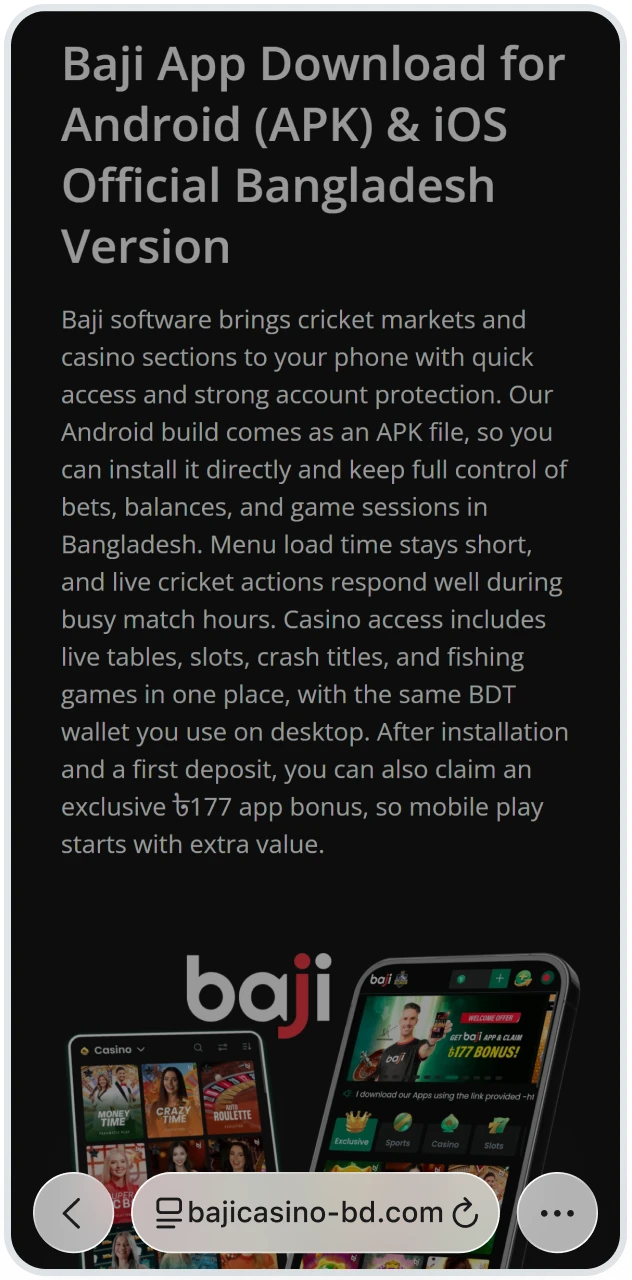
Open Safari on your iPhone or iPad and visit our official platform page.
Tap Share
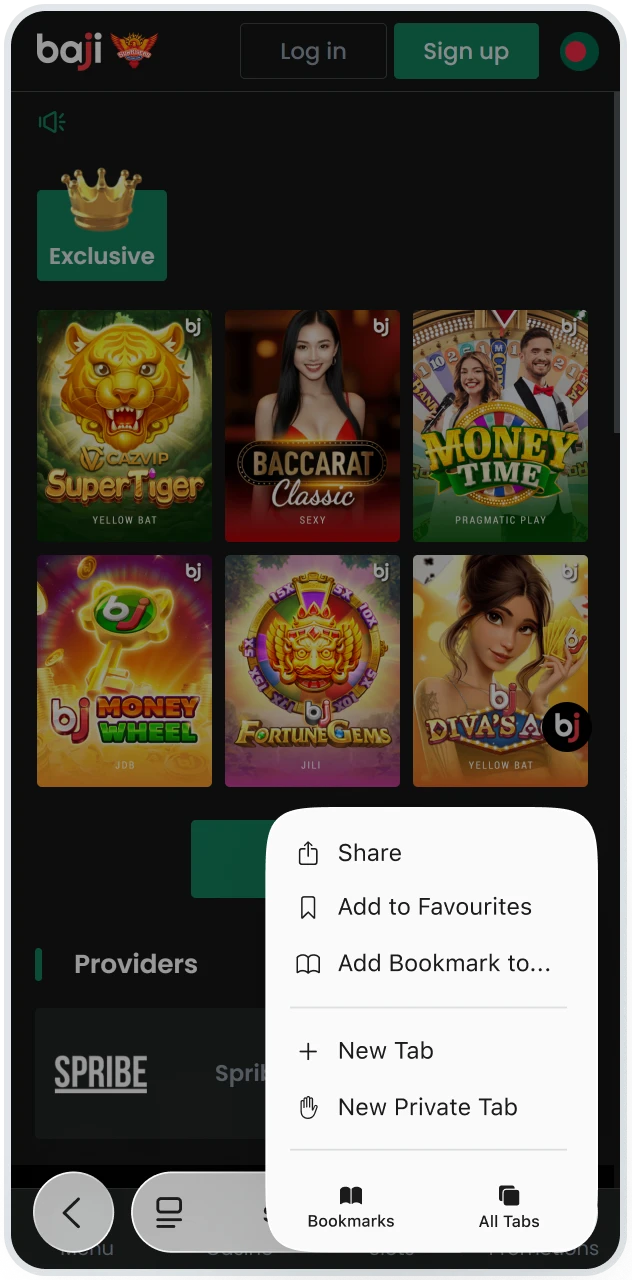
Tap the Share icon at the bottom of the screen.
Add to Home Screen
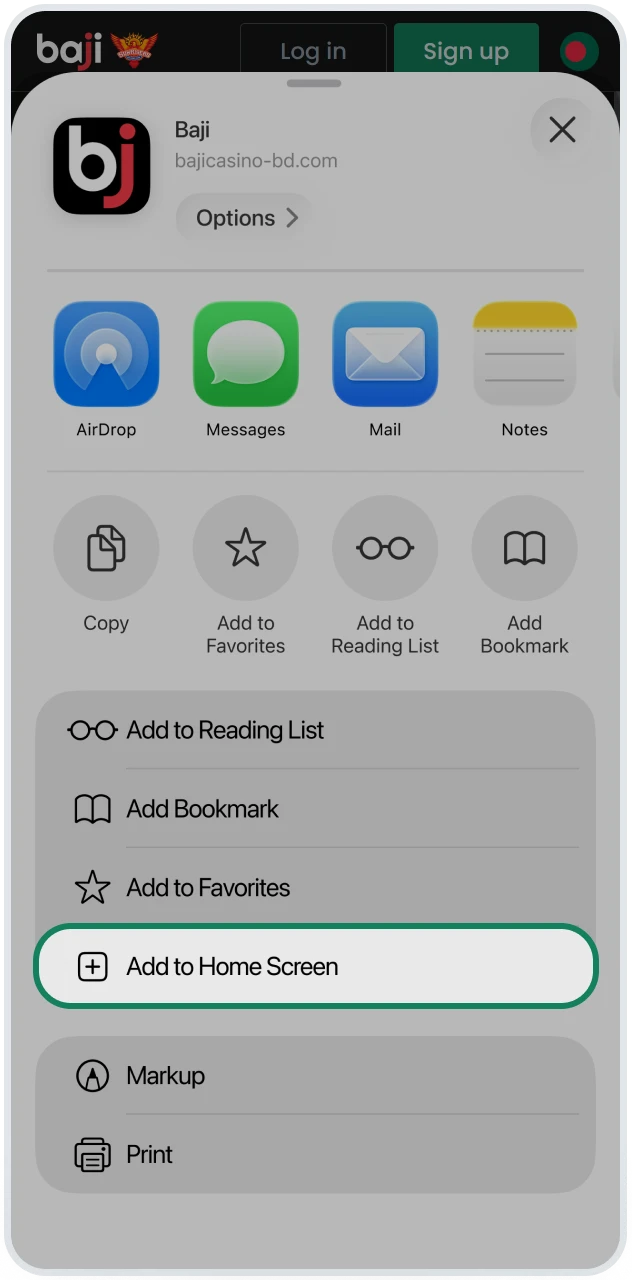
Select Add to Home Screen from the menu.
Confirm Add
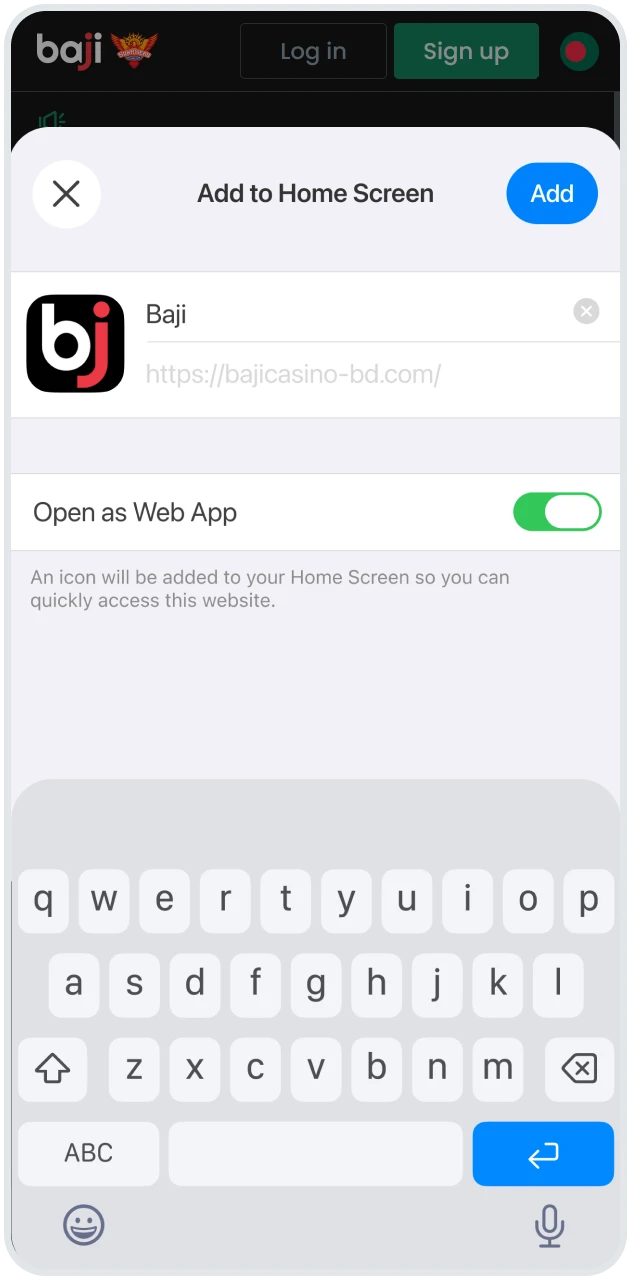
Confirm the action to place the app icon on your device.
Open App
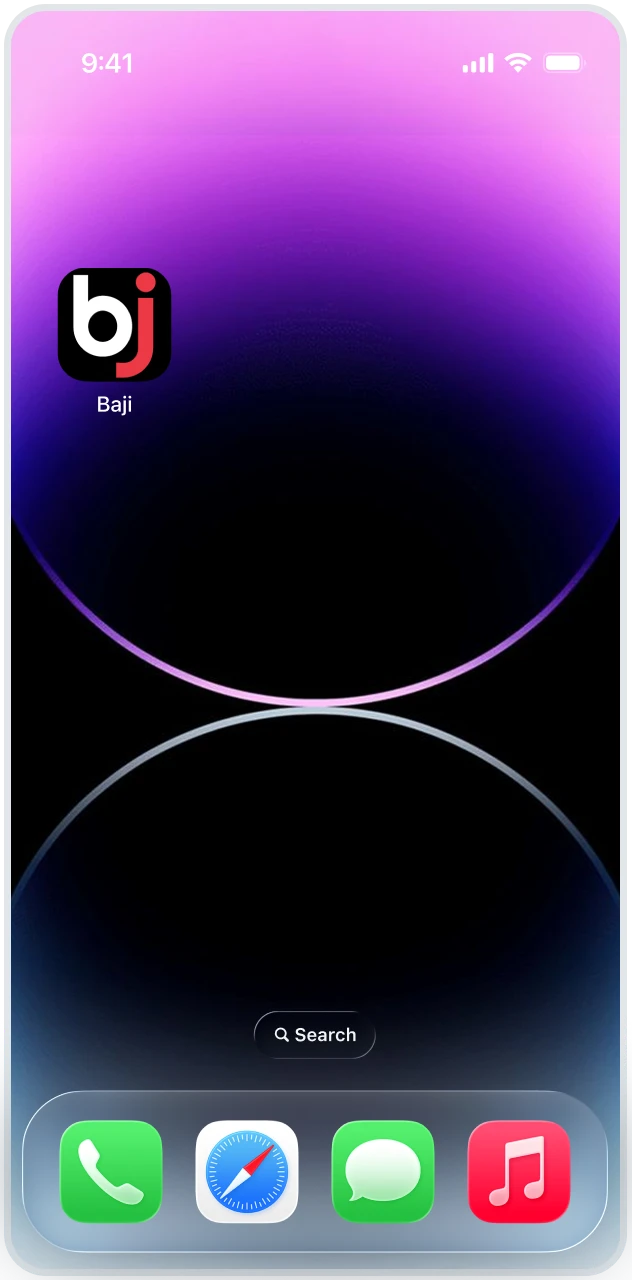
Open the icon to access the platform in a dedicated window.
The installed web app works independently from the browser interface and supports secure login, balance control, and live updates with minimal storage usage.
Top 5 Reasons to Use the Baji App
Mobile access through the app gives faster response and better control than the mobile site. Pages load with fewer elements, actions respond without delay, and key tools stay visible on one screen. Match tracking, balance checks, and payments require fewer taps, which matters during live cricket sessions. Push alerts also reach you instantly, something the mobile site cannot deliver with the same reliability. Together, these points place the app ahead of browser access for daily use.
Cricket Exchange
Cricket Exchange stands as the strongest feature inside the app. Exchange markets let you place Back bets for a team to win or Lay bets against that outcome, competing with other users rather than fixed lines. Prices adjust in real time based on market demand, so odds often exceed standard sportsbook levels. During IPL and BPL matches, live price movement updates instantly inside the app, which supports quick reactions on every over and ball without page refresh delays.
Biometrics Login
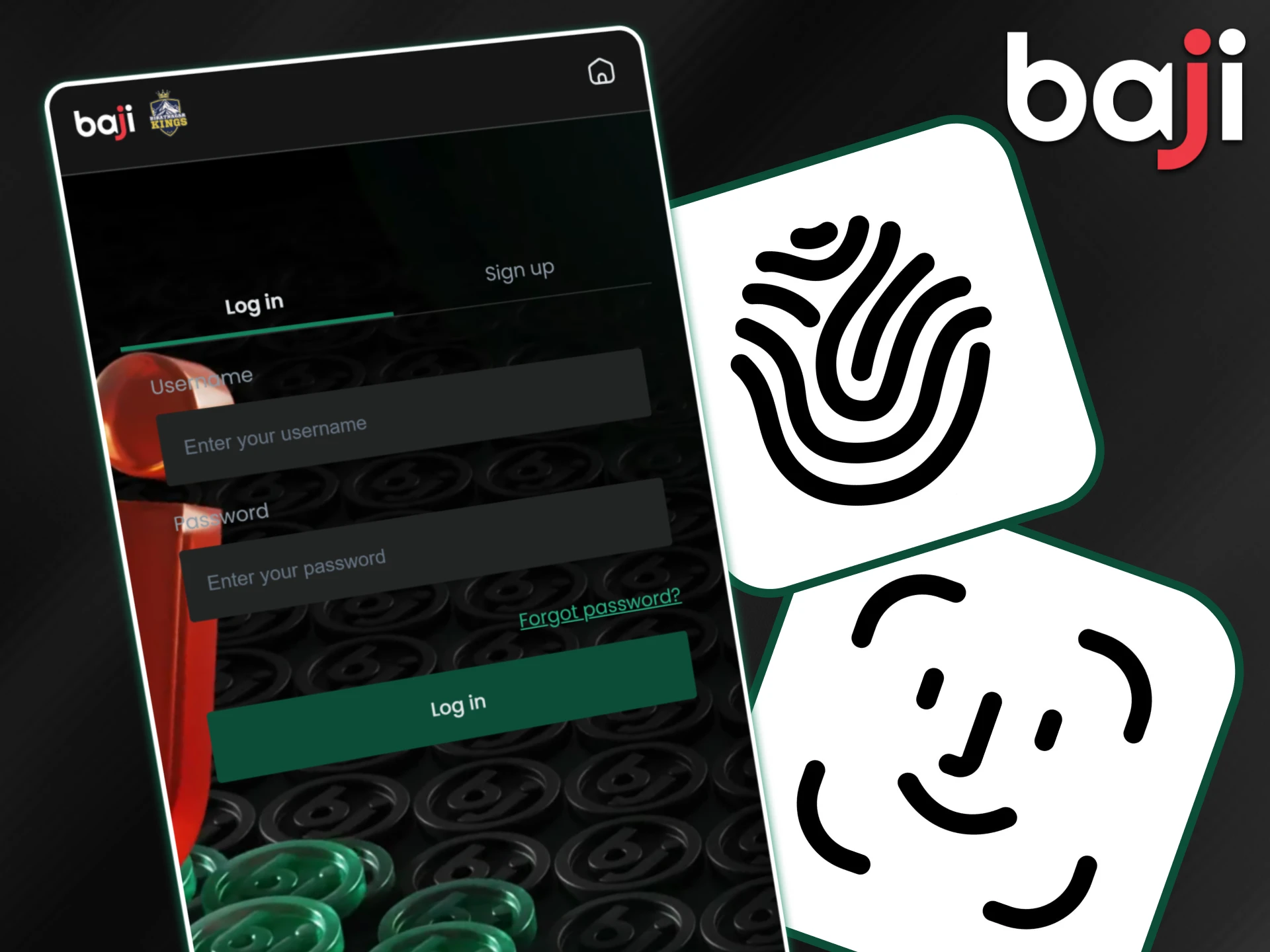
Biometric access simplifies account entry on mobile devices. Fingerprint or Face ID replaces manual password input, which helps during quick checks or live betting moments. Security stays high because access links directly to your device authentication, while login time drops to a single touch. This feature works on supported Android and iOS models and keeps account access both fast and protected when you are on the move.
Notifications
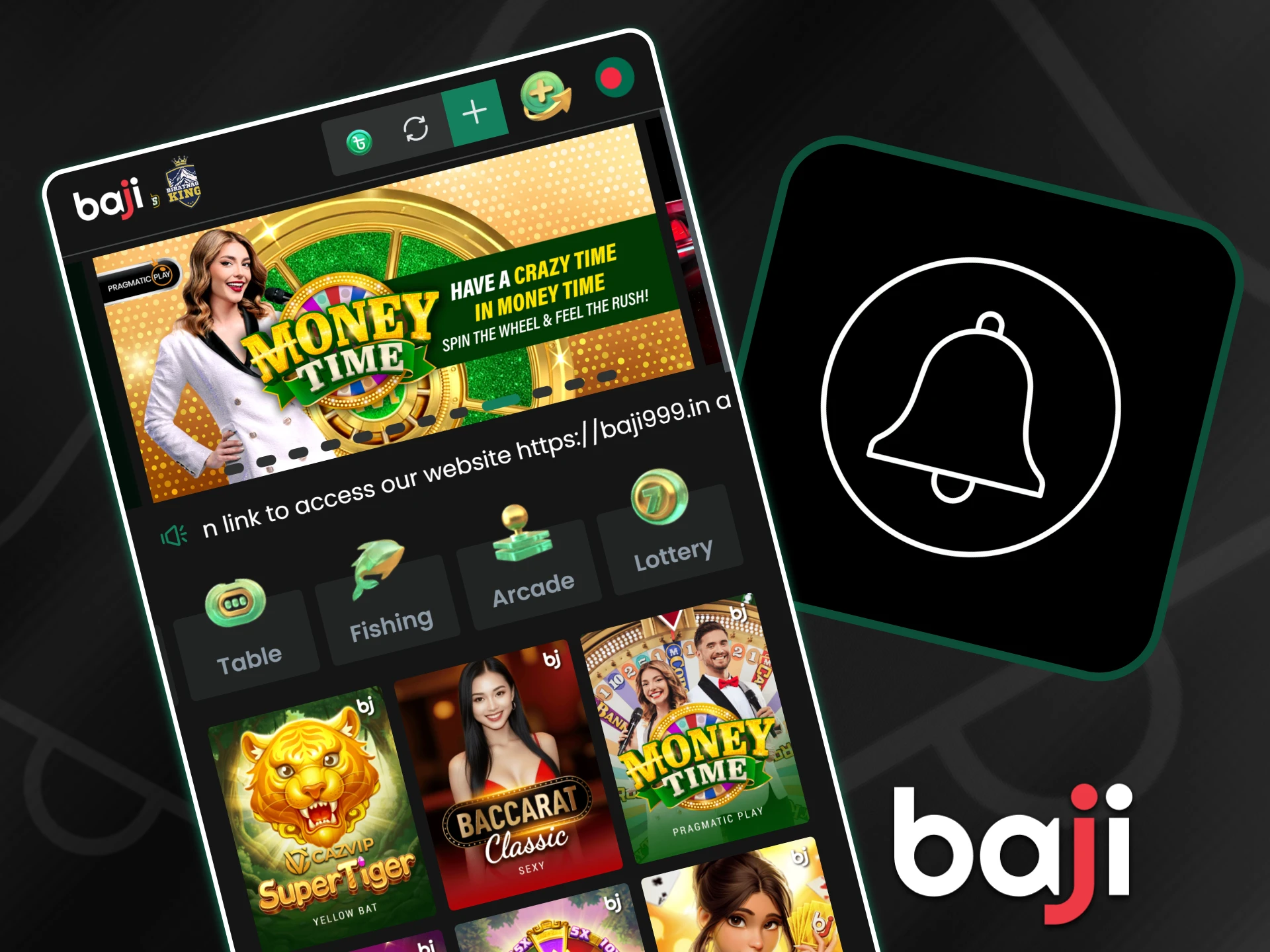
Push notifications keep you informed without opening the platform each time. Alerts cover match kickoffs, final results, and major moments during live cricket. Payment updates also arrive instantly, so withdrawal status stays clear from request to completion. Personal bonus messages and account reminders reach your phone directly, which helps track rewards and deadlines. Notifications work in the background and rely on device settings, so important updates never get missed during daily use.
How to Register & Deposit via App
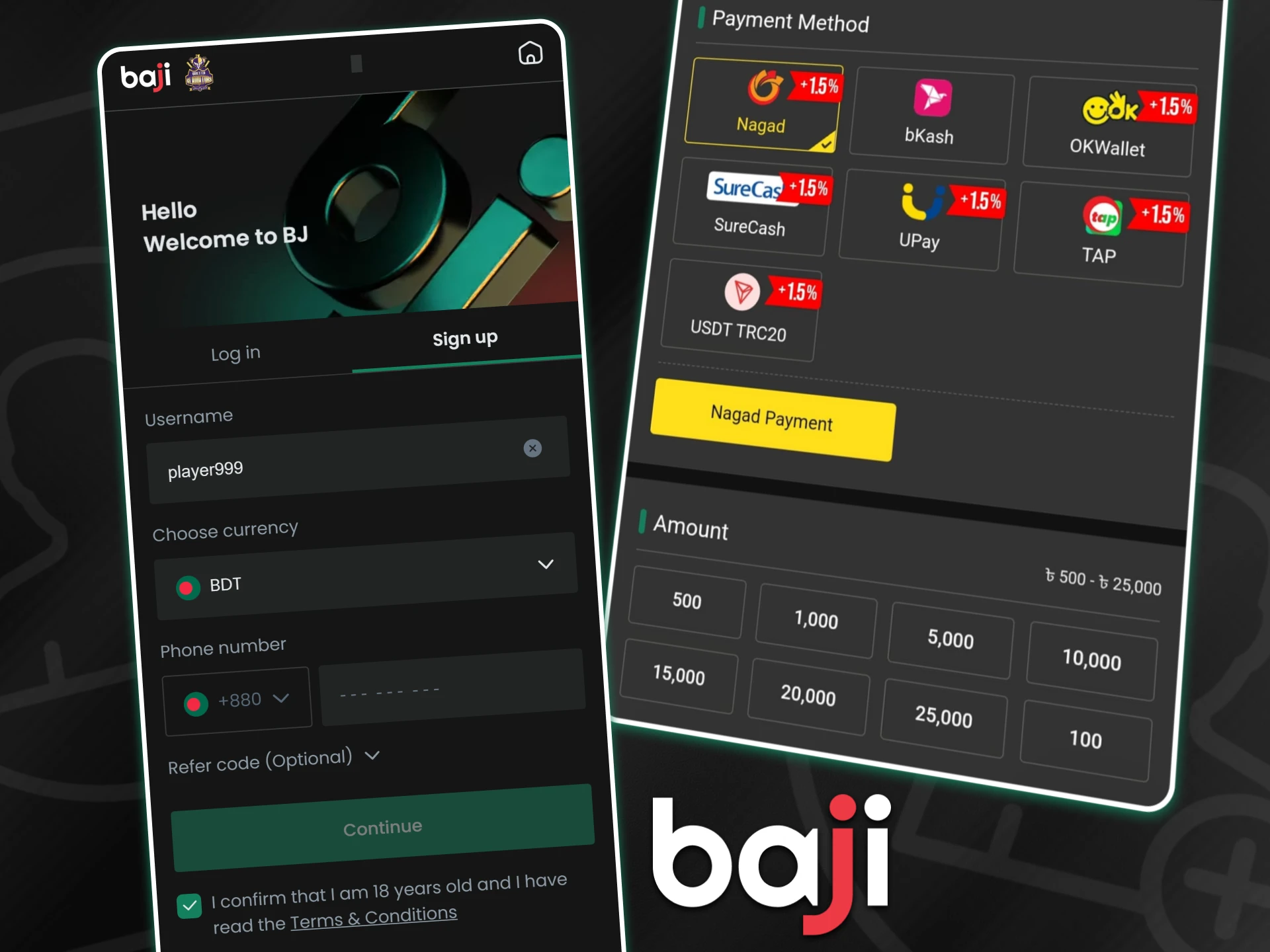
Account setup inside the app follows a short flow designed for one-handed use on mobile screens. Registration and first funding connect in the same session, so access to the betting and casino sections opens without delay. Local payment apps integrate directly, which keeps transfers quick and familiar for clients in Bangladesh.
- Tap the Sign Up button on the app home screen and open the registration form.
- Select BDT as your account currency, then enter a real phone number and email to receive the verification code.
- Add your full legal name, choose a username, confirm your age status, and set a password to finish registration.
- Log in to the app and open the Deposit section from the main menu.
- Choose bKash, Nagad, or Rocket, enter the amount, and confirm the transfer through your wallet app.
After deposit confirmation, the balance updates inside the app, and betting or casino play becomes available immediately.
Common Installation Issues
Mobile installation issues usually relate to device limits or unstable downloads rather than the app itself. Each problem has a direct fix that restores access quickly. Review the cases below and apply the matching solution before repeating the installation.

App Not Installed Error
This message usually appears when phone storage runs low or the Android version falls below the required level. Remove unused files or apps to free space, then check system version settings. If an older build of the app exists, delete it first. After the cleanup, download the latest APK again and start installation from scratch.

Parse Error (Problem Parsing the Package)
A parse error points to an incomplete APK file, often caused by an interrupted internet connection during download. Delete the damaged file from your device. Connect to stable Wi-Fi and download the APK again from the platform page. Avoid mobile data during downloads to reduce interruption risk.

App Crashing or Freezing
Crashes after launch usually relate to cached data conflicts. Open device settings, locate the app, and clear cache storage. Restart the phone to refresh system memory. After reboot, open the app again and continue normal use.
FAQ
Below you can find clear answers to the most common questions related to mobile access, security, and account usage. These points help avoid confusion during installation and daily use.
Is the Baji app free to download?
Yes, the app download and installation do not require any payment. You can save the APK file or add the iOS web app to your device without charges. No subscription or hidden fee applies at the installation stage. Deposits only apply when you decide to fund your account for betting or casino play, so access itself stays free.
Can I play Casino games in the app?
Yes, the mobile app provides full access to the casino section. You can open slot games, fishing titles, crash games, and live casino tables directly from the app interface. Popular live shows such as Crazy Time load inside the same window, while slot and fishing games run with the same balance and limits as on desktop.
Is it safe for my Android device?
Yes, the official APK uses secure connections and does not harm your phone. Security warnings appear because the file comes from outside Google Play, which reflects store policy rather than risk. The Baji application does not request unnecessary permissions and runs within standard Android security rules.
Can I use the same account on the App and PC?
Yes, one account works across mobile and desktop access. Login details, balance, bonuses, and history sync automatically. Do not create a second profile, since multiple accounts linked to one person can lead to restrictions.
Updated:
Comments